Bashtop: A Powerful Terminal Resource Monitor for Linux

bashtop

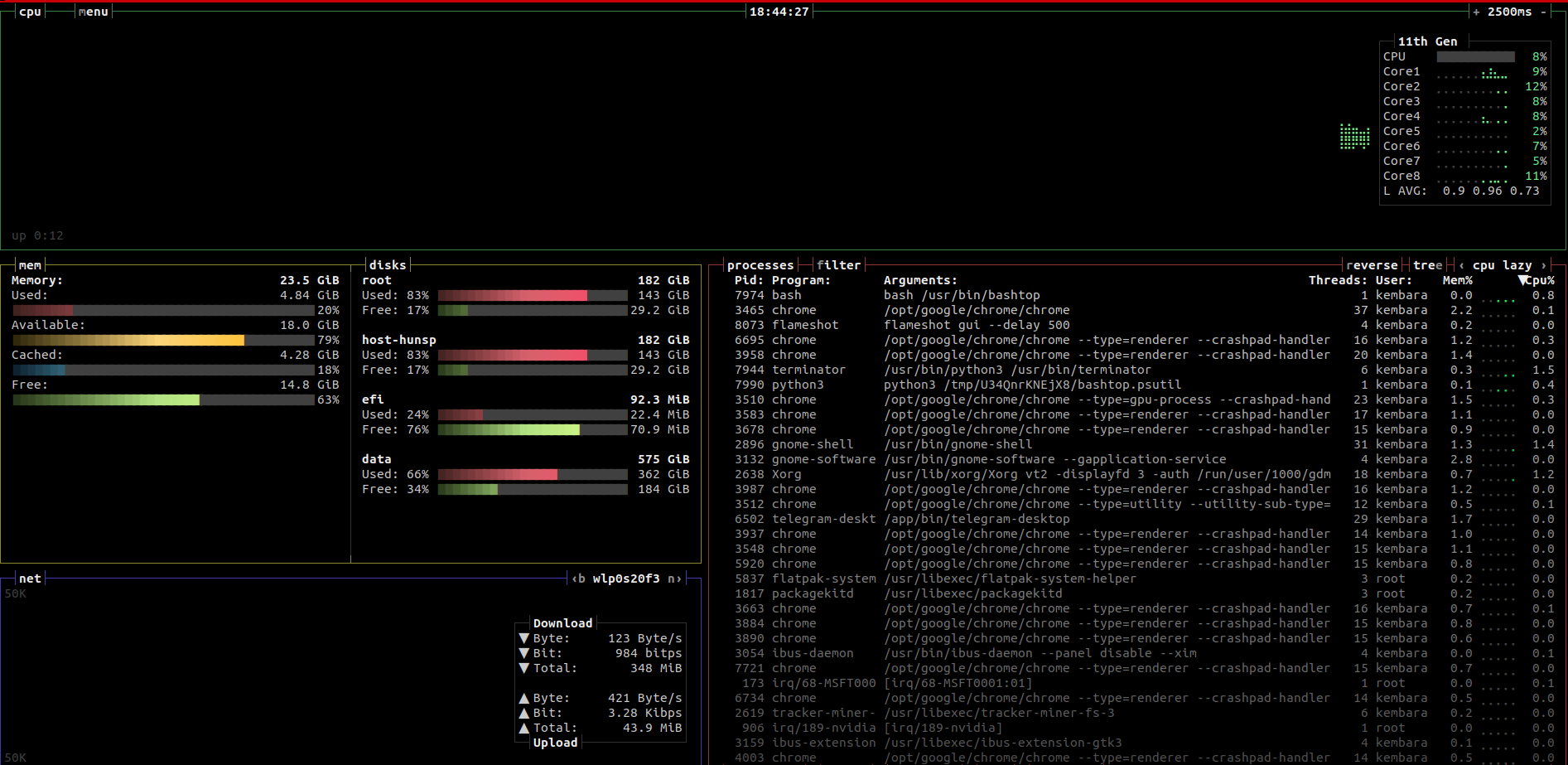
Bashtop: A Powerful Terminal Resource Monitor for Linux Bashtop is a powerful terminal resource monitor for Linux. It provides a comprehensive overview of your system’s resources, including CPU usage, memory usage, disk usage, network usage, and processes. Bashtop is easy to use and customize. It has a user-friendly interface with a menu system that makes … Read more

The best screenshot apps ever

flameshot

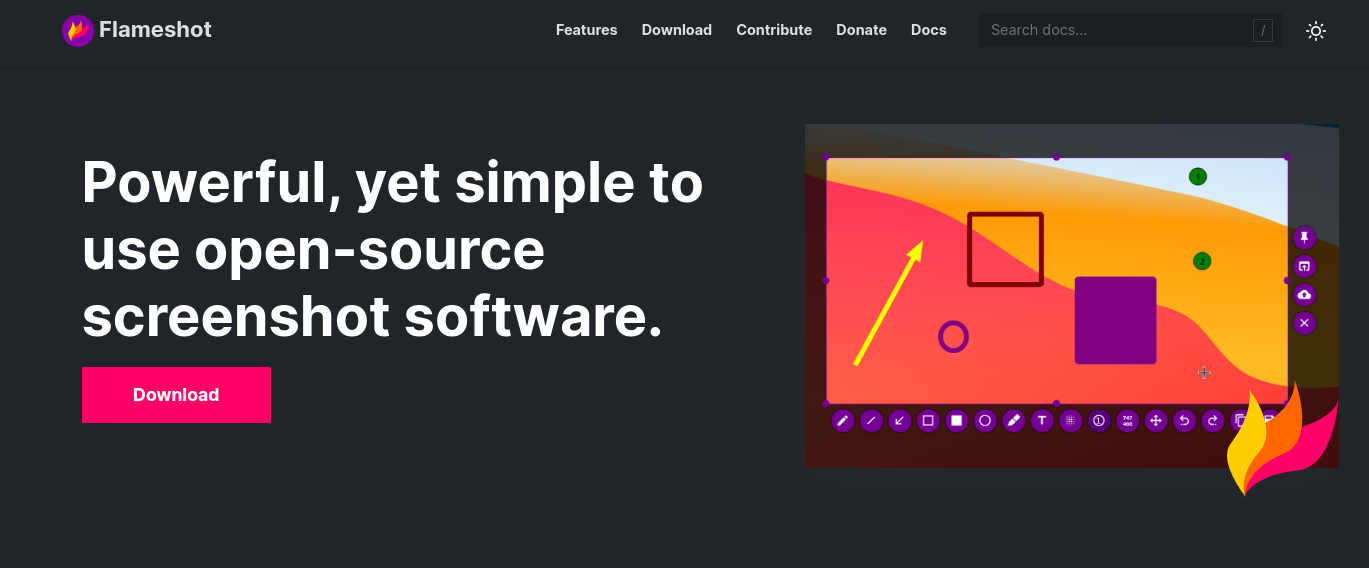
In screenshot software, where giants like Snagit and Greenshot reign supreme, Flameshot emerges as a fiery contender, fueled by open-source passion and packed with features that rival its paid counterparts. But is it just hype, or does Flameshot truly deliver a scorching experience? Let’s ignite the review and find out. Intuitive Interface: Point, Click, Capture! … Read more

10 popular no code platform

nocode

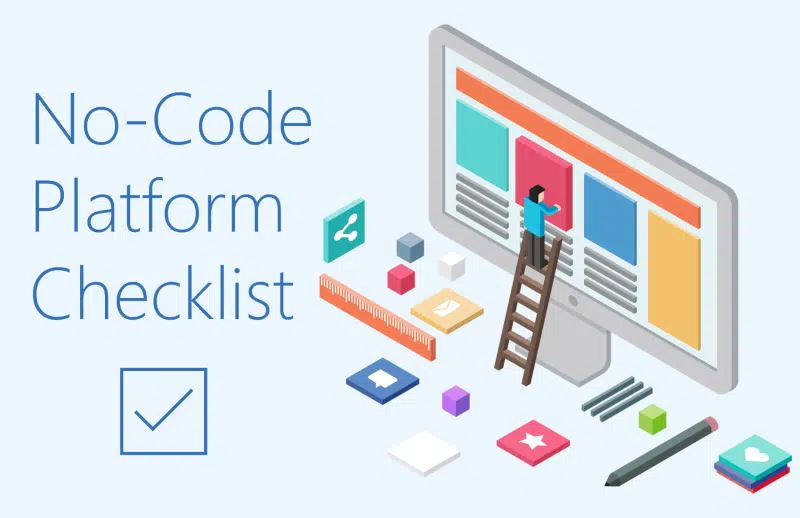
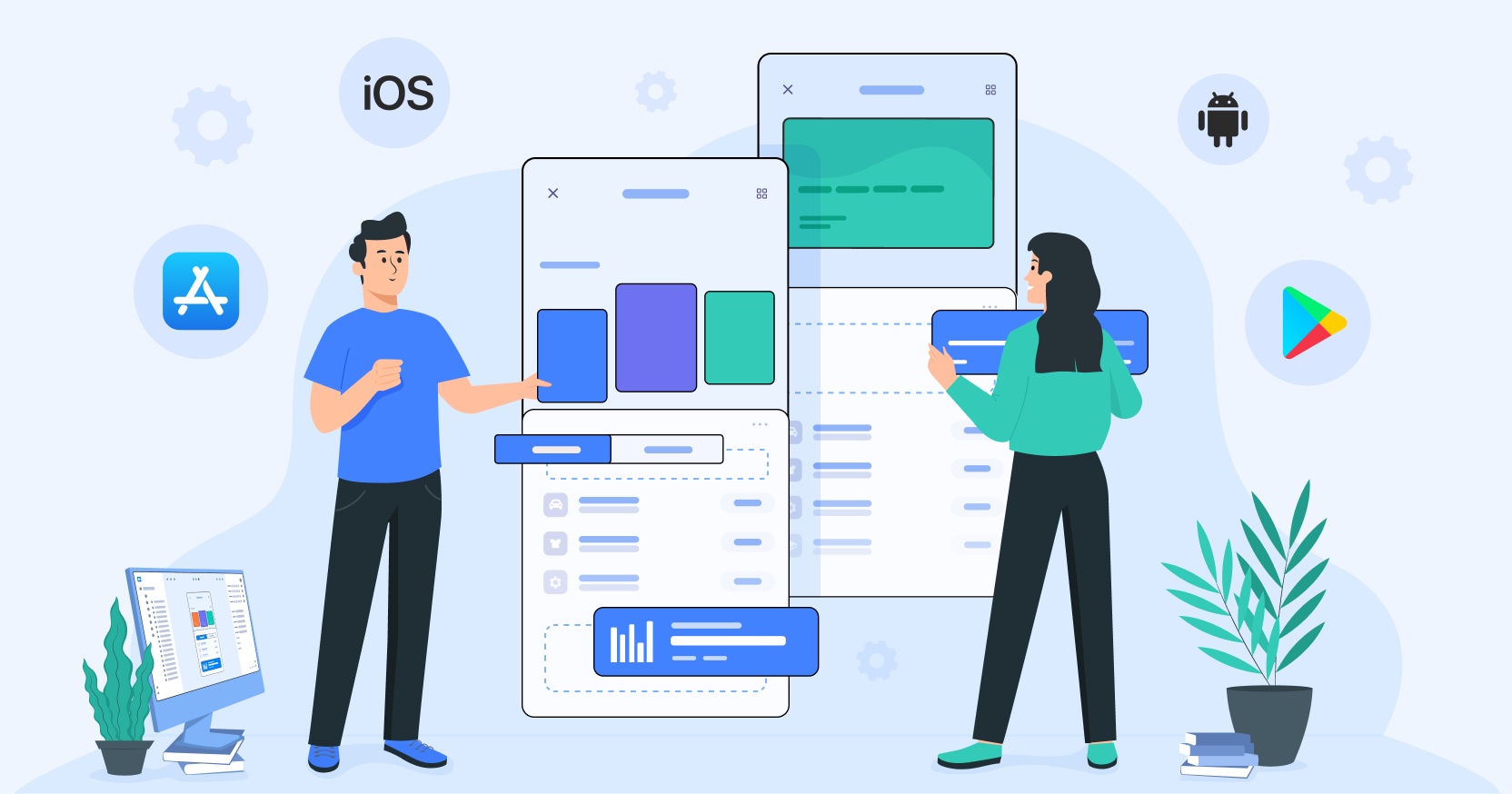
No-code platforms are software development platforms that allow users to build applications without writing any code. They provide visual interfaces, drag-and-drop tools, and pre-built components to simplify the development process, making it accessible to people with little to no coding experience. Here it is 10 popular no-code platforms that you can try right now Bubble: … Read more

what is no code platform?

nocode

No-code platforms are software development platforms that allow users to build applications without writing any code. They provide visual interfaces, drag-and-drop tools, and pre-built components to simplify the development process, making it accessible to people with little to no coding experience. Here’s how they work: Visual Interfaces: Instead of writing lines of code, users interact … Read more

Securing your iot network at home

IoT+Security+Challenges

Installing IoT devices in the home is a fun thing to do. Installing a device to automatically turn on and off the lights seems to reduce the amount of repetitive work you do every day that you could automate. Being able to monitor something from a distance and make analyses is also a fun thing. … Read more

Playing with arduino without hardware

tinkercad


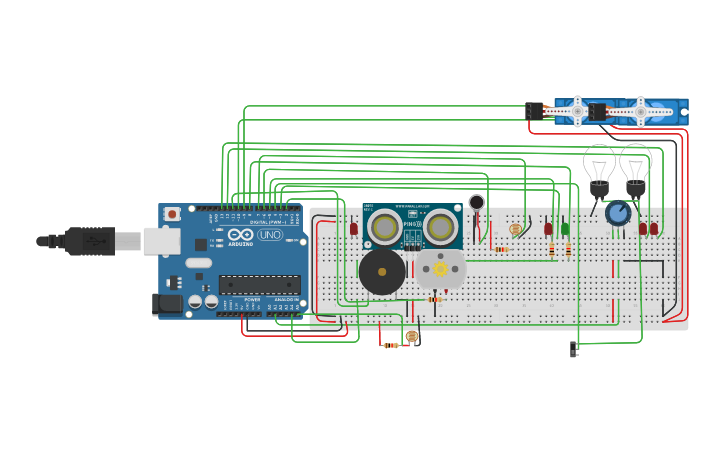
This is my video 3 years ago, but I think this is always a fun way to play with Arduino, you can do it everywhere, and every time you want to test something with Arduino, with tinkercad you can interact with sensors, passive component, power supply, and so on.

It is convenient if you have an idea in your mind and want to test something but you don’t have hardware around you, with simple drag and drop and also interaction with buttons etc, you can have the feel as you do with real hardware

If you are a student, or hobbyist who likes playing and programming with hardware you must try tinkercad, it is free and web-based, you only need an internet connection to play around