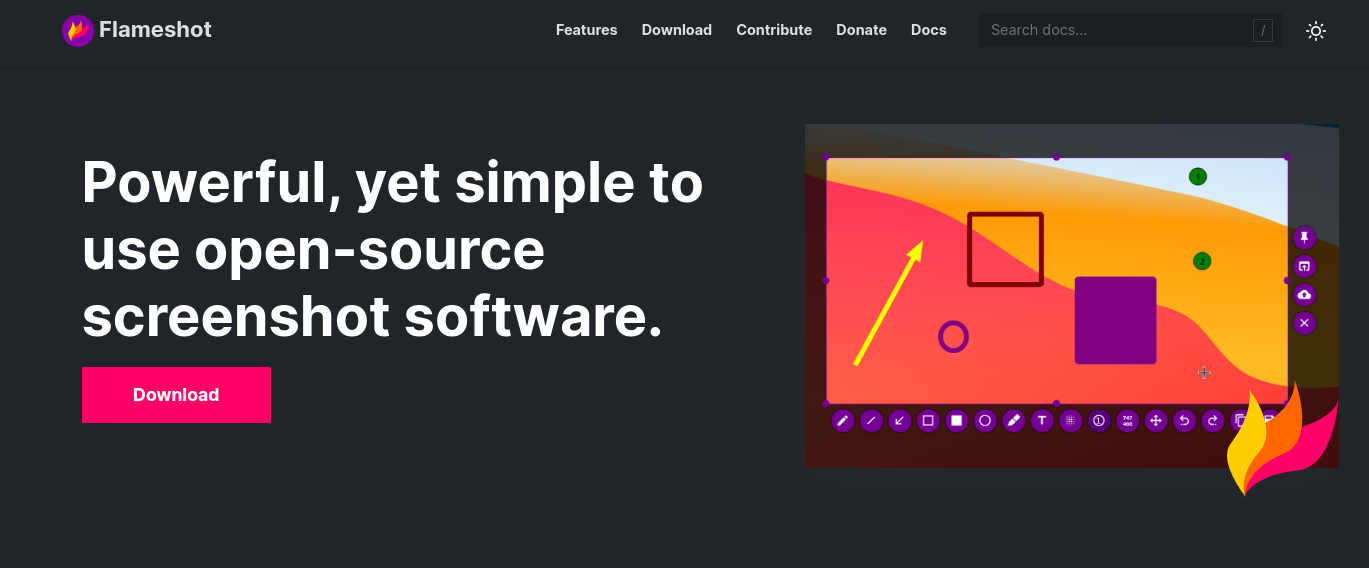
As you know Flameshot is a powerful, open-source screenshot tool for Linux and other platforms that offers advanced annotation and editing features directly within the capture interface. Unlike basic screenshot utilities, Flameshot lets you draw shapes, highlight areas, blur sensitive information, and add text or arrows before saving or copying the image—all in a streamlined GUI. It supports customizable keyboard shortcuts, system tray integration, and direct image upload to services like Imgur. It’s especially useful for developers, tech writers, and support teams needing quick visual feedback or documentation.
Flameshot is the best screenshot tool that I know, and I like it right now, but I got an error when using Wayland in my Ubuntu 24.04 LTS, and good news, I found a way to solve it
Firstly please confirm flameshot realpath:
which flameshot //and you will find this /usr/bin/flameshot

Let's create a file /usr/local/bin/flameshot:

cat <<EOF | sudo tee /usr/local/bin/flameshot > /dev/null
#!/bin/bash
QT_QPA_PLATFORM=wayland /usr/bin/flameshot "\$@"
EOF
Then add execute permission for it:
And voilla flameshot running
Related: Ubuntu DDoS Attack: What DevOps Teams Must Know.
Related: Solving the ‘Blank Stare’ Problem: Integrating BM25 with RAG for Rob.
Discover more from Susiloharjo
Subscribe to get the latest posts sent to your email.