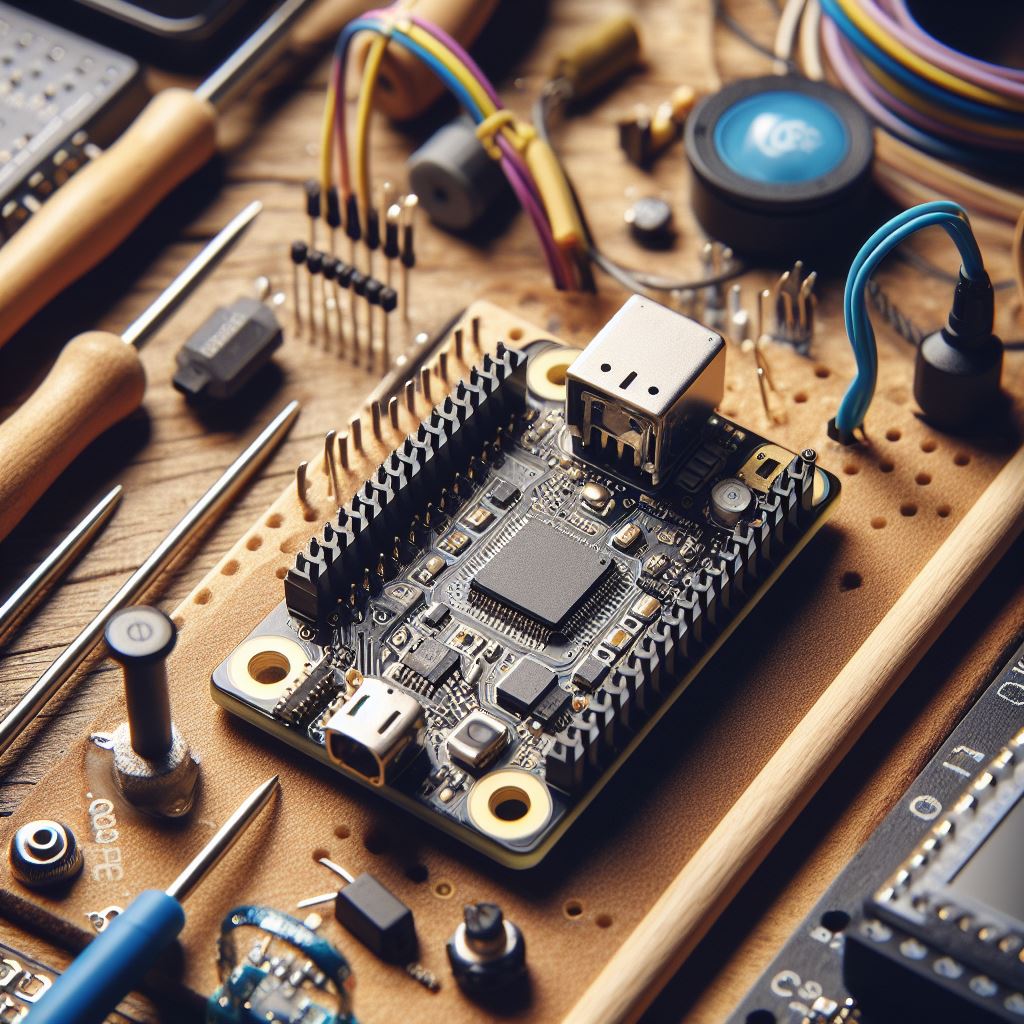
This is the alternative programming esp32 not using Arduino but ESPHome, ESPHome is a system for configuring ESP8266 and ESP32 devices using a simple YAML configuration language. It automates the generation of firmware code, allowing you to create custom home automation devices without extensive programming knowledge.
Key features:
- User-friendly interface: YAML configuration makes defining device features and behavior easy.
- Wide range of components: Supports various sensors, actuators, communication protocols, and integrations with home automation platforms.
- Automatic code generation: Compiles firmware tailored to your device, saving time and effort.
- Over-the-air updates: Enables remote updates of device firmware without manual flashing.
- Integration with Home Assistant: Seamless integration for easy control and automation.
Instalation
First install esphome using pip in python
pip install esphomeand write this file to example.yaml
Example YAML file for ESP32:
esphome:
  name: esp32_example
  platform: ESP32
  board: esp32dev

wifi:
  ssid: "Your_WiFi_SSID"
  password: "Your_WiFi_Password"

# Enable logging
logger:

# Enable Home Assistant API for integration
api:

ota:
  password: "OTA_Password"

# Example sensor configuration
sensor:
  - platform: dht
    pin: GPIO23
    model: DHT22
    temperature:
      name: "Living Room Temperature"
    humidity:
      name: "Living Room Humidity"
Related: I Let AI Generate an Arduino Sketch — Here’s What Happened.
Related: Meshtastic Explained: LoRa Mesh Architecture & Features.
Discover more from Susiloharjo
Subscribe to get the latest posts sent to your email.